
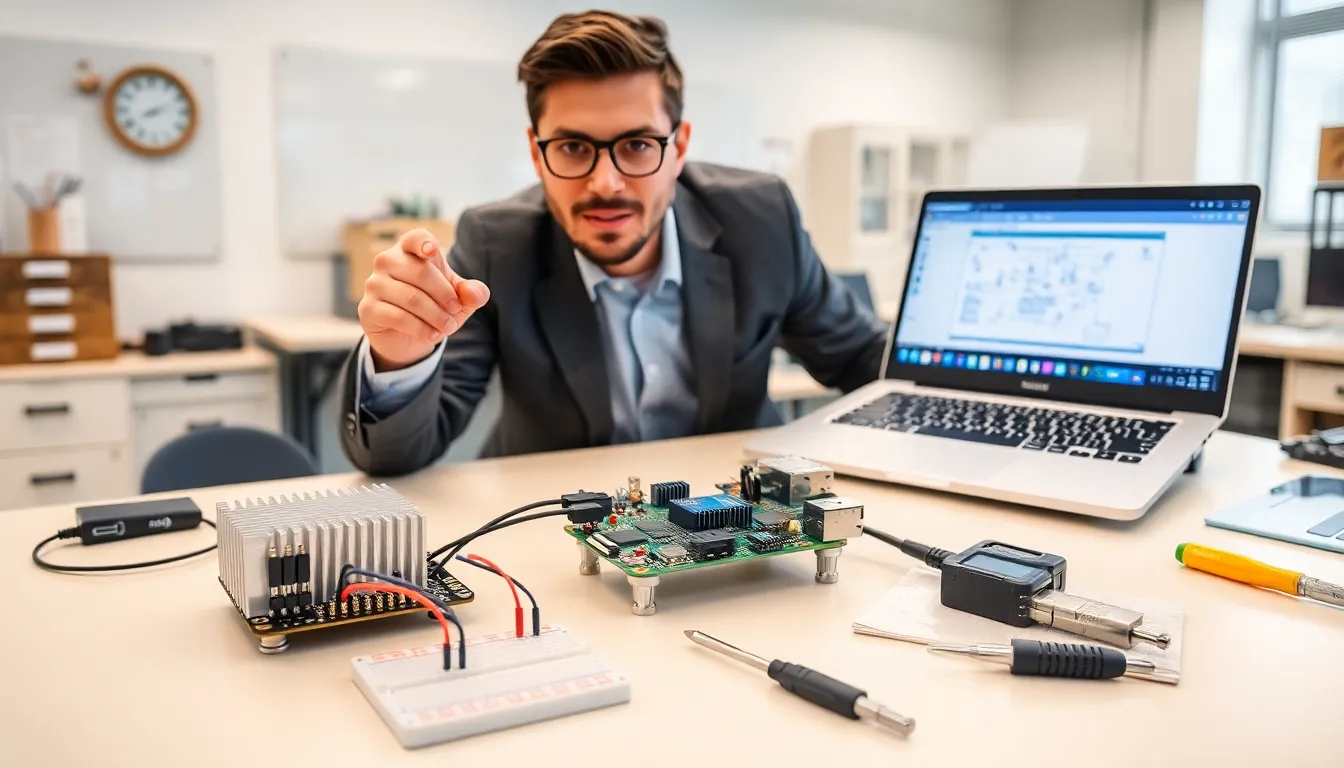

RixiePi offers a compact open-source single-board computer that makers can use for learning and prototyping. The board ships with clear documentation and a small parts list. Readers will learn what the board includes, how to set it up, and practical projects they can build.
Table of Contents
ToggleKey Takeaways
- RixiePi is an affordable, open-source single-board computer ideal for makers, students, and educators who need clear documentation and GPIO support.
- Unbox, flash a community image to a microSD, connect HDMI/USB-C power, and follow the installer to complete first boot and system updates.
- Enable SSH, install the GPIO libraries and Python packages, and secure the board by changing default passwords and enabling a firewall before deploying projects.
- Try practical projects like a weather station, home media server, retro console, network monitor, or smart switch to learn hardware and software integration.
- Troubleshoot common issues by reflashing corrupted images, checking heatsink/fan for overheating, testing cables/drivers for Ethernet problems, and using a powered hub for USB power issues.
What RixiePi Is And Who It’s For
RixiePi is a small single-board computer built for hobbyists and educators. The board targets makers, students, and developers who want an open platform. It supports common GPIO headers and standard interfaces. Users can program the board in Python, C, or other languages. The board aims to keep costs low and provide clear learning paths. The community contributes software and tutorials. RixiePi suits classroom projects, home automation prototypes, and lightweight server tasks.
Key Hardware Features And Specifications
RixiePi ships with a quad-core ARM processor at moderate clock speeds. The board includes 2 GB or 4 GB of RAM options. It offers a microSD card slot for storage and an M.2 slot on some models. The board provides a 40-pin GPIO header that follows common pinout standards. RixiePi includes HDMI output for a single display at 1080p. The board supplies USB 3.0 and USB 2.0 ports for peripherals. Ethernet comes onboard with gigabit support on select variants. A power input uses a USB-C connector and supports 5V at 3A. The board uses an aluminum heatsink and optional fan header for cooling. RixiePi ships with a compact PCB and mounting holes for cases. The board meets RoHS standards and uses open schematics available on the project repository.
Getting Started: Unboxing, Power, And First Boot
A typical RixiePi package contains the board, a quick-start card, and a set of standoffs. Users will need a power supply, a microSD card, and a keyboard with a mouse. RixiePi boots from a flashed microSD image. The community provides images for popular Linux distributions. The user flashes the image with a standard tool and inserts the card. Then the user connects the HDMI cable and the USB keyboard. The user plugs the USB-C power supply into the board. The board boots and displays a bootloader prompt. The installer then guides the user through locale and network setup. After first boot, the user updates packages and reboots to apply updates.
Essential Software Setup And Configuration
RixiePi supports Linux distributions that target ARM boards. The project maintains an official image optimized for the board. The user installs the image and configures SSH for remote access. The user enables the GPIO library for hardware projects. The user can install Python and necessary packages with a package manager. The board supports Docker for containerized projects. The user configures a lightweight desktop if they need a GUI. RixiePi includes tools to update firmware and the bootloader. The user secures the board by changing default passwords and enabling a firewall. The documentation lists recommended scripts for automatic backups.
Five Practical Projects To Try With RixiePi
- Weather Station: The user connects a temperature sensor to the GPIO. The board reads sensor data and logs it to a local database. The user then builds a small web interface to show readings.
- Home Media Server: The user installs a media server package and mounts external storage. RixiePi streams music and video to the network. Users can add a remote control app for phones.
- Retro Game Console: The user installs an emulator package and loads ROMs. The board runs classic games with a USB gamepad. The user configures shaders and saves states.
- Network Monitor: The user runs lightweight monitoring tools on RixiePi. The board collects network metrics and sends alerts on high usage. The user can plot metrics on a simple dashboard.
- Smart Switch: The user connects a relay module to the GPIO. The board controls power to a device on a schedule. The user adds a mobile control interface with secure authentication.
Troubleshooting Common Issues
The board fails to boot when the microSD image is corrupted. The user should reflash the image and verify the checksum. The board overheats under heavy load. The user should check heatsink mounting and add a fan. The Ethernet link shows low speed. The user should test a different cable and update the network drivers. USB devices do not enumerate. The user should try a powered USB hub and check power supply amperage. The board shows a bootloader error. The user should follow the recovery steps in the documentation and reflash the bootloader image. The community forum often posts fixes for hardware compatibility problems.
How RixiePi Compares To Other Single-Board Computers
RixiePi competes with other compact boards on price, support, and openness. The board trades top-tier CPU speed for lower cost and better documentation. The community contributes drivers faster than many small vendors. The board offers a clear upgrade path with multiple RAM options. RixiePi focuses on education and maker projects instead of high-end media tasks. The project provides open schematics and a transparent issue tracker. Users who need maximum GPU power should compare benchmarks before they choose. Overall, RixiePi delivers a balance of features that fits many hobbyist needs.
Where To Find Community Resources And Accessories
The project hosts source files and images on a public repository. The user finds guides and schematics on the official site. The community maintains a curated list of accessories on a wiki.
Recommended Peripherals And Add‑Ons
Users should buy a quality USB-C power supply rated at 5V 3A. A fast microSD card improves boot time and app responsiveness. Users should add a case with airflow and optional fan. A USB-to-serial adapter helps with low-level debugging. A small UPS HAT keeps the board running during short outages.
Helpful Online Communities And Documentation
The user can join the official forum to ask questions. The project runs a chat channel where contributors answer quick queries. The documentation includes step-by-step tutorials and reference schematics. The user should search community threads before posting to find existing solutions.

